Most barbershops do not really have a booking problem; they have a chair problem. Two barbers are booked solid, a third has a forty-minute hole at 2 pm, somebody has walked in and is now sitting on the bench reading his phone, and the client who booked a beard trim at 3:15 is probably not going to turn up.
Scheduling software is supposed to sort that out, and a good deal of it does not, mainly because most of it was built for salons or for general service businesses and then relabelled for barbers.
We spent several weeks going through the platforms that barbershop owners actually short-listed, checking the current pricing against each vendor’s own pricing page, and reading through the review profiles.
The trade itself is not shrinking, either. According to federal projections for the trade, employment of barbers, hairstylists, and cosmetologists is projected to grow 5 percent from 2024 to 2034.
What follows are the eight systems that are worth your time, what each one costs, and where each one falls.
How We Compared These Platforms
We started from the same short list a shop owner would build, which is the set of tools that keep turning up when you search for barbershop or barber booking software, minus the ones that are really salon suites with a barber page bolted on.
Each platform was then assessed on the same six points:
- whether it can run a separate calendar for each barber or each chair;
- whether it can take a deposit or hold a card on file;
- whether a client can cancel or reschedule on their own without phoning the shop; whether it syncs in both directions with Google Calendar and Outlook;
- what it actually costs once processing fees and per staff charges are included; and what the people already using it tend to complain about.
- Pricing figures were taken from each vendor’s published pricing page in August,
- and ratings are the current overall scores on Capterra, quoted with their review counts because a star rating on 100 reviews and a star rating on 3,600 reviews are not the same claim.
Nothing here is a paid placement, and every entry carries at least one thing we would want a buyer to know before signing up.
What Barbershop Scheduling Software Actually Has To Do
The category name is vague, so it is worth being literal about the parts.
Chair and staff scheduling means the system holds a separate availability calendar for each barber, and prevents two clients from being booked into the same barber at the same time.
In shops that rent chairs rather than employ barbers, each renter usually needs their own login, their own hours, and their own service prices.
That last detail is where a lot of generic scheduling tools fall over: they will let you add staff, but they will not let each one set different durations and prices for the same service.
Walk-ins alongside appointments is the part barber-specific apps handle better than general schedulers. Some platforms run an actual queue or ticket screen at the front desk.
Others expect the front desk to key the walk-in into the calendar as a booking, which works, but it is slower, and it does not show the waiting customer a position in line.
A client self-service portal is the page or app screen where a client can look at their upcoming appointment and change it, which normally means cancelling it, moving it to another time, and in some systems adding a service to it.
The reason this matters has less to do with customer experience than with phone volume, because every reschedule a client handles themselves is a call that nobody in the shop has to take in the middle of a cut.
A grace period is the window after booking, or before the appointment, in which a client can cancel with no charge.
A no-show fee or late cancellation fee is what gets charged outside that window, usually against a card the client stored at booking or against a deposit already taken.
An automatic waitlist is a queue of clients who wanted a full slot. When somebody cancels, the system offers the freed slot to the waitlist instead of leaving it empty.
Not every platform has this, and among the ones that do, some notify everybody at once, and some go in order.
None of this is especially advanced technology. The difficulty is that barbershops sit inside the wider small business picture, in which the U.S. contains 36.2 million small businesses accounting for almost 46 percent of private sector employment, and software vendors tend to build for the middle of that market rather than for a three-chair shop on a high street.
The 8 Best Barbershop Scheduling Software Platforms
1. Bookeo
Best for: multi-chair shops that want deposits and per-barber calendars without commission.
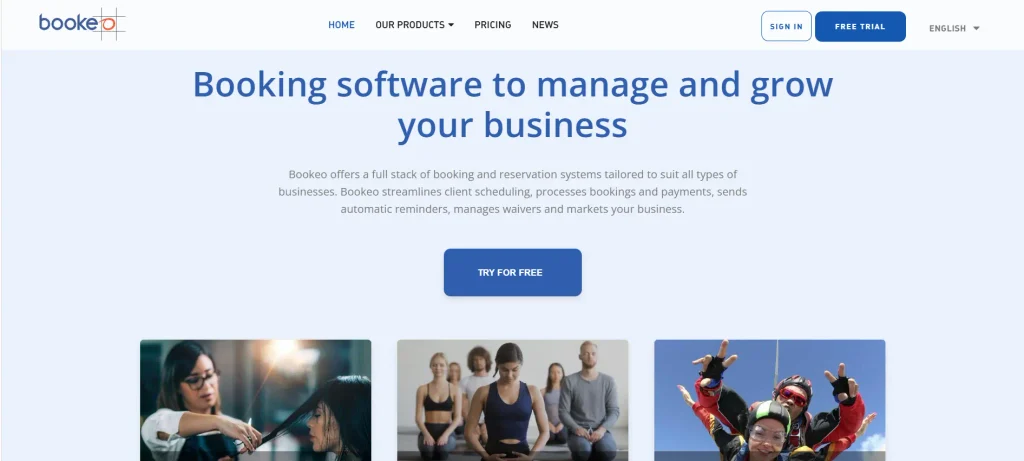
Bookeo is an appointment booking system with a barbershop product line. What separates it from most of this list is the commercial model: a flat subscription with no commission on bookings or payments.
Key features:
- A separate calendar per barber, with per-service durations and prices
- Deposits, prepayment, or card on file via Stripe, Square or PayPal
- Automated email and SMS reminders, client rescheduling and waitlists
- Two-way calendar sync with Google, Outlook, and Office 365
Rating: 4.3 on Capterra from just over 100 reviews.
Pricing: five tiers at EUR 10.95, 19.95, 29.95, 59.95 and 89.95 per month, and a $14.95 starting price on US-facing pages. Bookings run from 200 a month to 3,000, and consultant logins from 1 to 60.
A 30-day free trial with no card, a 30-day money-back guarantee, a seasonal freeze at 30 percent of the fee, and digital waivers from EUR 7 a month.
Not good for: shops that want a walk-in queue screen. There is no ticket display for the front desk, so walk-ins get entered as bookings like anything else.
There is no consumer marketplace either, so unlike the barber apps further down this list, it will not bring you new clients.
And the entry tier’s 200 bookings a month is tight for a busy two-chair shop, which pushes you up a tier faster than the headline price suggests.
2. Square Appointments
Best for: shops that already run a Square till and want the booking calendar attached to it.
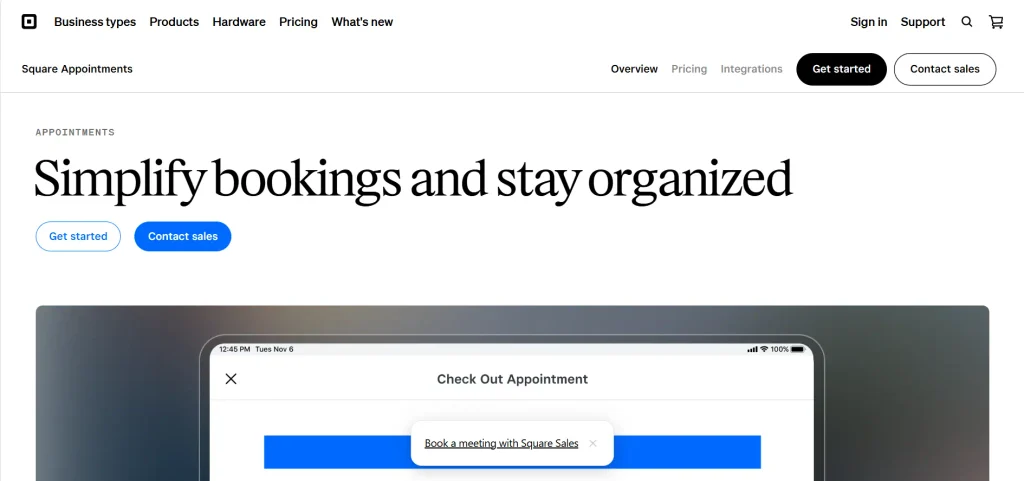
If your till is already a Square terminal, then Square Appointments is the path of least resistance. The booking, the payment, and the client record all sit in one system, which removes most of the reconciliation work at close of day that you get when the scheduler and the till are separate products.
Key features:
- Free tier that includes online booking and the full point of sale
- Card on file at booking, with configurable cancellation and no-show fees
- Individual staff calendars, shift notes, and a booking site that plugs into Google and Instagram
- Automated text and email reminders on all tiers
Rating: 4.5 on Capterra from 260 reviews.
Pricing: Free at $0 per location, Plus at $49 per location per month, Premium at $149 per location per month. In-person card processing is 2.6% plus 15 cents on Free, 2.5% plus 15 cents on Plus, and 2.4% plus 15 cents on Premium. Online payments run 3.3% plus 30 cents on Free and 2.9% plus 30 cents on the paid tiers.
Not good for: anyone who wants to choose their own payment processor. Square Appointments only works with Square payments, so the free plan is not really free; it is a plan you pay for as a percentage of every haircut. Advanced staff permissions and the lowest processing rates sit behind Premium.
3. Booksy
Best for: barbers who want a consumer marketplace bringing them new clients as well as a calendar.
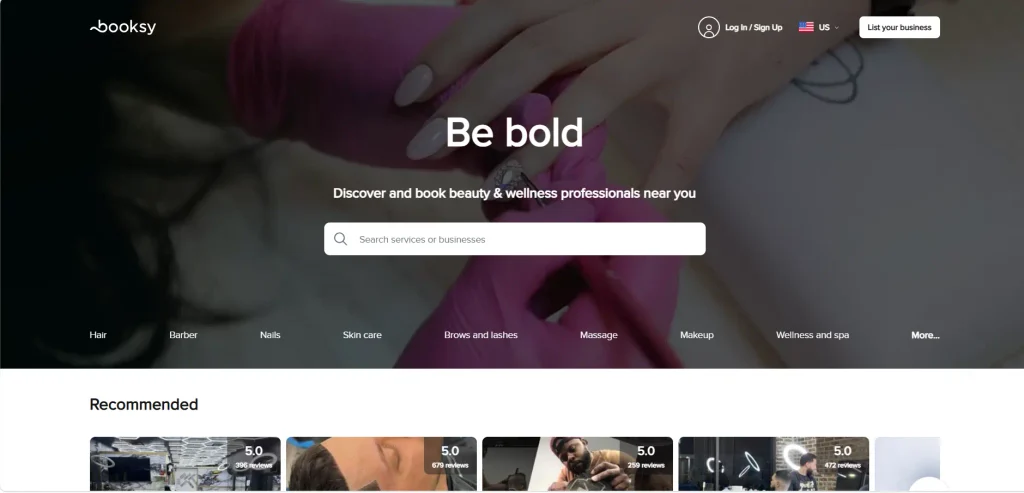
Booksy is the platform most barbers have already heard of, largely because it is a two-sided product, meaning a business tool for the shop and a consumer app that a fair number of clients already have installed on their phone.
That marketplace is the main reason to choose it, and it is also the reason to read the fee schedule carefully before you commit.
Key features:
- Consumer marketplace with a barber-specific service menu and client reviews
- No-show protection through prepayments and cancellation fees
- Unlimited bookings on all plans, plus email and SMS marketing
- Client self-service booking, cancelling, and rescheduling from the consumer app
Rating: 4.4 on Capterra from 481 reviews.
Pricing: $29.99 per month plus tax for one staff member, and $20 per month for each additional staff member. Clients who find you organically carry no commission, but the optional Boost promotion charges a one-time 30 percent fee on the total of a Boost client’s first visit.
Not good for: shops with a lot of chairs, because $20 per extra staff member per month adds up quickly, and shops that hate percentage fees, because Boost is where the marketplace stops being free.
The recurring complaint in negative reviews is the admin side rather than the client side: setup is described as confusing, and payment and payout issues come up in roughly 63 percent of critical reviews.
4. Vagaro
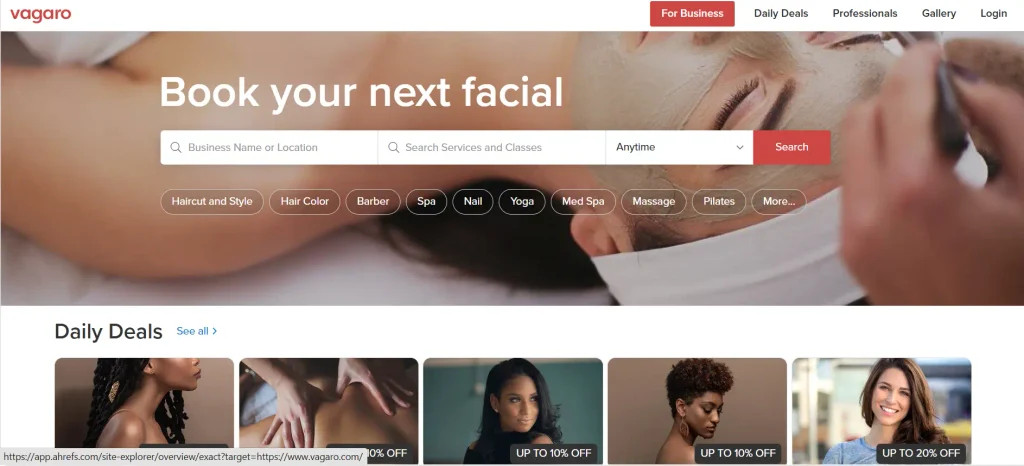
Best for: bigger shops that want scheduling, payroll, inventory, and a marketplace in one product.
Vagaro has the deepest feature set here and the largest review base by a wide margin, which tells you it has been in beauty and wellness a long time. It covers barbershops, though it is not built exclusively for them.
Key features:
- Per-calendar scheduling for each service provider, with payroll and commission tracking
- Consumer marketplace listing included, plus a website builder add-on
- Automated reminders, deposits, and cancellation policies
- Inventory, memberships, and packages for shops selling pomade and beard oil
Rating: 4.7 on Capterra from 3,647 reviews.
Pricing: from $23.99 a month for a single bookable calendar, rising with each additional calendar, and from $30 a month for multi-location. There is a 30-day free trial. Website builder, marketing tools, and other modules are priced separately.
Not good for: shops that want a predictable bill. Because the price is per bookable calendar and most of the useful extras are add-ons, the real monthly cost climbs well past the advertised starting figure.
Reviewers also report glitches and downtime often enough that it is the most common theme in negative feedback, along with unclear extra fees.
5. Fresha
Best for: shops that want a marketplace and integrated payments on a per-team-member subscription.
Fresha is often described as free, but the software is a paid subscription charged per team member rather than a flat plan, so the bill tracks the size of the crew. Fresha also earns money on payment processing and on the new clients who find you through its marketplace, so a large part of what you pay is variable rather than fixed.
Key features:
- Full calendar, client records, and automated reminders
- Integrated card payments with deposits and no-show protection
- Marketplace listing that puts the shop in front of new clients
- Team scheduling with individual calendars and commission tracking
Rating: 4.8 on Capterra from 1,447 reviews, the highest score on this list.
Pricing: $19.95 a month for a one-person business and $14.95 a month per bookable team member. Card processing is 2.29% plus $0.20 in person, 2.79% plus $0.20 online, and 3.30% plus $0.20 for manual entry. The marketplace new client fee is 20 percent, with a $6 minimum per new client.
Not good for: shops that get a lot of their new business through the marketplace, because 20 percent of a first visit is a real number and it repeats with every new face.
The most common criticism in reviews is not the software; it is that charges are described as unclear and unexpectedly high. Work out your likely new-client volume before you commit.
6. Acuity Scheduling
Best for: solo barbers and chair renters who want tight control over booking rules.
Acuity Scheduling is a general-purpose scheduler rather than a barbershop system, and for a solo barber or a small chair-rental crew, that is often the right answer. The booking rules engine is the best on this list: buffers, lead times, minimum notice, blocked-off hours, and intake questions are all straightforward to configure.
Key features:
- Client self-scheduling, rescheduling and cancellation inside policy windows you define
- Two-way sync with Google, Outlook, Office 365 and Apple calendars
- Intake forms, packages, gift certificates and subscriptions
- Payments through Stripe, Square, or PayPal, with deposits and cancellation fees
Rating: 4.8 on Capterra from 5,754 reviews.
Pricing: Starter at $20 a month for one staff member or location, Standard at $34 a month for six staff plus text reminders, Premium at $61 a month for thirty-six staff, and custom pricing above that. The free trial is 7 days.
Not good for: a busy walk-in shop. There is no queue management, no POS, and no inventory, so it schedules well and does nothing else.
Text reminders start on the Standard tier, which is a meaningful jump from Starter, and the mobile app is noticeably thinner than the desktop version.
7. SimplyBook.me
Best for: shops that want to assemble the booking flow feature by feature.
SimplyBook.me works on a modular idea: a plain booking core, plus a library of custom features you switch on. Deposits, memberships, coupons, intake forms, and so on are each a feature, and your plan determines how many you can run at once.
Key features:
- Booking site or widget in a wide choice of layouts, with per-provider calendars
- Custom features for deposits, memberships, packages, coupons, and loyalty
- Client self-service portal for cancelling and rescheduling
- Calendar sync, POS module, and a client app
Rating: 4.6 on Capterra from 1,286 reviews.
Pricing: Free at $0 for 50 bookings a month and 1 custom feature, Basic at $13.90 for 100 bookings and 3 features, Standard at $29.90 for 500 bookings and 8 features, and Premium at $59.90 for 2,000 bookings and unlimited features. Annual billing takes about 17 percent off.
Not good for: shops that want everything working on day one. The custom feature cap is the catch, and for a barbershop the features you want (deposits, memberships, a decent client app) tend to land you on a higher tier than the headline price implies. Reviewers also flag payment restrictions and recurring bugs.
8. Setmore
Best for: one- and two-chair shops that need a booking page and reminders and little else.
Setmore is the cheapest credible option on this list. It does the basic job of putting a booking page online and sending reminders, and for a one- or two-chair shop that does not need much beyond that, the basic job is more or less the whole job.
Key features:
- Free plan with online booking for up to four users
- Automated email reminders, with SMS on the paid tier
- Individual staff calendars and a customisable booking page
- Payments through Square or Stripe, and two-way Google and Office 365 calendar sync
Rating: 4.6 on Capterra from 959 reviews.
Pricing: Free at $0 for up to four users. Pro is $12 per user per month billed monthly, or $5 per user per month billed annually, with unlimited users.
Not good for: shops that need to enforce a cancellation policy with real teeth, because deposit and no-show fee handling is thin compared with the payment-first platforms above.
Reviewers most often complain about email notification behaviour and about the cancellation flow specifically, which is an awkward weak spot for a barbershop trying to cut no-shows.
Barbershop Scheduling Software Compared at a Glance
| Platform | Best for | Walk-ins | Deposits and no-show fees | Starting price |
|---|---|---|---|---|
| Bookeo | Multi-chair shops avoiding commission | Entered as bookings | Yes, deposits, prepay or card on file | EUR 10.95 / about $14.95 per month |
| Square Appointments | Shops already on Square hardware | Entered as bookings | Yes, card on file plus fees | $0 per location, then 2.6% + 15c |
| Booksy | Barbers who want marketplace demand | Entered as bookings | Yes, prepayments | $29.99 per month, one staff |
| Vagaro | Shops wanting depth and a marketplace | Entered as bookings | Yes, deposits and policies | $23.99 per month, one calendar |
| Fresha | Shops paying per team member for a marketplace | Entered as bookings | Yes, integrated payments | $14.95 per team member per month |
| Acuity Scheduling | Solo barbers and chair renters | Not supported | Yes, via Stripe, Square, or PayPal | $20 per month |
| SimplyBook.me | Shops that want to pick features | Entered as bookings | Yes, as a custom feature | $0, then $13.90 per month |
| Setmore | One or two chair shops on a budget | Entered as bookings | Limited | $0, then $5 per user per month |
Letting Clients Cancel and Reschedule Online
If we had to rank the features on this page, this is the one we would put at the top, and it is also the one buyers ask about most often. A client self-service portal is a link, normally included in the confirmation email or in the reminder text message, that opens the client’s own booking and allows them to change it without having to speak to anybody at the shop.
All eight platforms here support it in some form, but the differences are in the rules you can attach.
The questions to ask a vendor are specific.
Can you set a cutoff so a client can reschedule up to 24 hours before but not after?
Can the client reschedule but not cancel, or both?
Does a reschedule keep the deposit attached to the new appointment or release it?
Does the barber get a notification, and does the freed slot go back on sale immediately?
Acuity Scheduling, SimplyBook.me, and Bookeo give you the most granular control over those windows. Booksy and Fresha handle it inside their consumer apps, which is smoother for the client and slightly less configurable for you. Setmore does the basic version, which is fine until you want a policy.
One practical note from shops that have already made the switch is that the reschedule link should go in the reminder message as well as in the original confirmation.
The confirmation tends to get read once, on the day the booking is made, at which point the client has no reason to change anything. The reminder is read two days out, which is generally the point at which people work out that they cannot make it after all.
Deposits, Grace Periods and No-show Fees
A deposit works because it converts a free commitment into a small paid one, and in our experience there is very little else in this category of software that changes client behaviour as reliably. There are three variants of it, and they are not interchangeable.
A deposit takes a partial payment at booking, typically the price of the cheapest service or a flat amount, and applies it against the bill. A card on file takes no money but stores the card, authorising you to charge a fee if the client does not turn up.
Full prepayment takes the whole amount up front and is normally reserved for high-value services or for clients who have already no-showed once.
A grace period is the escape hatch that keeps the policy from feeling punitive. Most shops set it two ways: a short window right after booking, so a mis-click can be undone at no cost, and a longer window before the appointment, usually 24 or 48 hours, inside which cancellation is free.
Outside that window, the fee applies. Whether the software can enforce both windows separately is worth checking, because several of these platforms only support one.
There is an argument for not charging the fee even when you are entitled to. Plenty of shops set the policy, tell the client about the charge, then waive it the first time. The deterrent is the policy existing, not the money collected, and a waived fee buys goodwill from a regular who genuinely got stuck at work.
Waitlists and Last-Minute Cancellations
The cancellation itself is not really the problem; the empty chair afterwards is the problem. A 2 pm appointment cancelled at 1:40 pm is a lost hour unless something in the system automatically tries to fill it.
An automatic waitlist holds the clients who asked for a slot that was already taken. When the slot frees up, the system contacts them. Vagaro, Booksy, Fresha, and Bookeo all have some version of this.
The implementations differ in one important way: whether the offer goes to everybody at once (fastest fill, but you annoy the people who miss out) or in order (fairer, slower, more likely to leave the chair empty).
If your platform does not have a waitlist, the manual version still works and costs nothing. Keep a short list of regulars who have said they would take a same-day slot, and text them. Shops that do this consistently fill a good share of late cancellations, which is more than any software does for a shop that has the feature switched on but never configured.
Overbooking as a strategy, in the airline sense, is a bad idea in a barbershop. The failure mode is a client sitting in your waiting area while the barber they booked is cutting somebody else, and that costs more in reputation than the empty chair costs in revenue.
Calendar sync with Google and Outlook
Every platform on this list syncs with Google Calendar. Most also handle Outlook and Office 365. The distinction that matters is one-way versus two-way.
One-way sync pushes bookings from the scheduler into the barber’s personal calendar so they can see their day on their phone. Two-way sync also reads the personal calendar and blocks the scheduler when the barber has something else on. If a barber blocks out Thursday afternoon in their own Google Calendar for a dentist appointment, only two-way sync stops the booking page from selling that slot.
Acuity Scheduling, Setmore, Square Appointments, and Bookeo all do two-way sync. Verify the direction before you commit, because vendors describe both as “calendar sync,” and the difference shows up the first time a barber gets double-booked against their own life.
Pricing Compared: Solo Barber versus Multi-Chair Shop
For a solo barber, the cheapest workable setups are Setmore’s free tier, SimplyBook.me’s free tier if 50 bookings a month is enough, or Square Appointments free if you are happy paying 2.6% plus 15 cents on every transaction. Fresha at $19.95 for a one-person business and Acuity Scheduling at $20 sit just above.
For a four-chair shop, the maths changes, and this is where the per-seat platforms get expensive. Four staff on Booksy is $29.99 plus three times $20, so $89.99 a month before any Boost fees. Four staff on Fresha at $14.95 each is $59.80 a month, plus processing, plus 20 percent of every new marketplace client.
Four on Setmore Pro billed annually is $20 a month, which is the cheapest number here by a distance, though you are giving up deposit handling to get it. Bookeo prices by tier rather than by head, so a four-barber shop sits on the EUR 29.95 tier with 1,000 bookings a month included and no commission on top.
The number that catches shops out is rarely the subscription; it is the processing percentage. A shop turning over $20,000 a month in card payments at 2.6% is paying approximately $520 a month in processing fees, which is considerably more than any subscription on this page. It is worth working out your processing cost first and then comparing subscription prices second.
How to Choose the Right Barbershop Scheduling Software
Start by writing down what actually goes wrong in your shop this month, because the answer is different for a chair-rental shop than for one with employed barbers.
Shops with empty chairs should be looking first at the marketplace platforms and at the waitlist feature. When the recurring loss is no-shows, deposits and card on file matter more than anything else, and it is worth confirming that the policy windows are configurable rather than fixed at whatever the vendor decided.
You need a strong self-service portal and a sensible reminder cadence if the real complaint is that somebody is answering the phone during every cut. And a front desk that cannot see who is next needs an actual queue, which means looking at barber-specific systems rather than at the general schedulers.
Staffing deserves a line of its own here. Owners across the small business economy keep reporting the same hiring problem, and in one recent survey 47 percent of them said they had few or no qualified applicants for the positions they were trying to fill.
If you are a barber short, then software that lets an existing barber pick up an extra shift and immediately puts those hours back on the booking page is worth considerably more to you than a marketing module.
There are two checks that most buying guides skip over. The first is to read the review count as well as the star rating, because a vendor sitting at 3.8 stars on 16 reviews can be moved to something like 4.5 by a handful of new five-star entries, which means small-sample scores tell you very little about the product itself; a 4.4 based on 481 reviews is a far more reliable signal than a 4.9 based on 20. The second is to avoid taking a feature answer from an AI assistant at face value.
Vendors in this category report a steady trickle of new customers who arrive having been told by a chatbot that the system does something it does not actually do, and who then hit a wall during setup. Ask the vendor directly, preferably in writing, or else test the thing yourself during the trial.
The other thing worth examining closely is the fee model, mainly because it is the decision that is hardest to reverse later.
Subscription-only pricing is predictable and gets cheaper per booking as the shop grows. Commission or per-client pricing is cheap while you are quiet and expensive once you are busy, which is more or less backwards for a shop that is trying to build.
If a flat monthly cost with no per-booking commission is what you are after in barbershop scheduling software, then Bookeo is built on that model, and it includes per-barber calendars, deposits, and automated reminders in the subscription rather than selling them as add-ons.
Whichever platform you pick, it is worth using the free trial properly rather than clicking around for an afternoon.
Load your real service menu, your real prices and your real staff hours into it, and then push about ten bookings through it yourself, including at least one cancellation and one reschedule.
A good share of the problems with these systems do not show up until the second week of use.
Frequently Asked Questions
Can clients book walk-ins and appointments in the same system?
Yes, though “walk-in support” means two different things. Barber-specific platforms may run an actual queue screen where a walk-in takes a numbered place in line.
The general schedulers on this list, which is most of them, handle walk-ins by having the front desk enter them into the calendar as an immediate booking.
That keeps the day’s record complete and the barber’s calendar accurate, but it does not show the waiting customer where they are in the queue. If a visible queue matters to your front desk, ask specifically about it in the demo rather than accepting “we support walk-ins” as an answer.
How do deposits reduce no-shows?
A deposit changes the client’s position from having nothing at stake to having something small at stake. It also creates a moment where the client has to decide on booking rather than drifting into the appointment.
Most shops take a modest deposit, credited against the bill, rather than full prepayment, because full prepayment suppresses bookings from new clients who are not yet sure about you.
Pair the deposit with a clearly stated grace period so the policy reads as reasonable rather than as a penalty.
Do these apps charge a commission per booking?
It depends on the model. Acuity Scheduling, SimplyBook.me, Setmore and Bookeo charge a subscription and take no commission on bookings, though you will still pay your payment processor.
Square Appointments charges no booking commission but requires its own processing at 2.4% to 2.6% plus 15 cents in person. Fresha charges 20 percent of a new client’s first visit when that client comes through its marketplace, with a $6 minimum.
Booksy charges no commission on organic clients but takes a one-time 30 percent fee on the first visit of a client acquired through its Boost promotion.
Can clients cancel or reschedule online without calling the shop?
Every platform here supports it. The client gets a link in their confirmation or reminder, opens their booking, and changes it.
What varies is the rules you can attach: how close to the appointment they can still change it, whether a deposit follows the appointment to its new time or is released, and whether cancellation and rescheduling can be permitted separately.
Ask about the cutoff windows specifically, because that is where the platforms differ most.
Can a client cancel within a grace period without a fee?
Yes, if you configure one. A grace period is a window in which cancellation carries no charge, and most shops run two: a short one immediately after booking for mistakes, and a longer one before the appointment, commonly 24 or 48 hours.
Outside those windows, the late cancellation or no-show fee applies. Some platforms only let you set one window, so if you want both, confirm it during the trial.
What happens to the slot when someone cancels at the last minute?
By default, nothing. It goes back on the booking page and waits for somebody to find it, which at 1:40 pm for a 2 pm slot is unlikely.
An automatic waitlist changes that by contacting clients who asked for that time when it was full. If your platform has one, switch it on and decide whether it offers the slot to everyone at once or in order.
If it does not have one, a text to three regulars usually works.
Does barbershop scheduling software sync with Google Calendar and Outlook?
All eight platforms here sync with Google Calendar, and most support Outlook and Office 365 as well. The question to ask is whether the sync runs in both directions.
One-way sync only shows bookings on the barber’s phone. Two-way sync also blocks the booking page when the barber has a personal commitment in their own calendar, which is the behaviour you actually want.
How much should a barbershop expect to pay per month?
A solo barber can run on $0 to about $20 a month plus card processing.
A three- or four-chair shop typically lands between $30 and $90 a month on subscription, depending on whether the platform charges per staff member or by tier, plus processing of roughly 2.3% to 2.9% on card payments, plus any marketplace fees.
For most shops, the processing percentage is the largest line item by a wide margin, so calculate that on your real monthly card volume before comparing subscription prices.