

Sound is one of the most important elements of cinematic storytelling. A dramatic music score can build anticipation, subtle background ambience can establish a location, and carefully timed sound effects can make ordinary visual actions feel more realistic. Together, these elements create an audio experience that helps viewers connect with what they see on screen.
However, creating a complete soundscape requires more than finding a suitable background track. Video editors and filmmakers need to generate or source music, create sound effects, arrange audio layers, synchronize sounds with visual actions, and balance dialogue with background elements. For projects with multiple scenes, this process can involve considerable manual work.
AI is changing how creators approach sound design. Modern AI tools can generate original music, create custom sound effects, produce environmental audio, and help arrange different sounds around video footage. Some focus on individual audio-generation tasks, while others bring sound creation and editing together in a single environment.
In this guide, we explore six AI tools that can help filmmakers, video editors, and content creators develop cinematic soundscapes and improve the overall audio experience of their videos.
Comparison of the Best AI Sound Design Tools
| Tool | Main strength | Best suited for |
| Invideo Editor | Agentic sound design on a timeline | Complete video sound-design workflows |
| Adobe Firefly | Custom sound-effect generation | Foley and scene-specific effects |
| ElevenLabs | Detailed AI sound effects | Cinematic and environmental audio |
| Stable Audio | Music and experimental soundscapes | Original compositions and ambient audio |
| Suno | Instrumental music generation | Background scores and music tracks |
| Artlist AI Tools | Music, effects, and audio resources | Video production and sound libraries |
How We Selected These AI Audio Tools
We considered each platform’s ability to generate music, create sound effects, support cinematic audio production, and fit into video editing workflows. We also looked at how much control creators have over the generated audio, including the ability to refine results, adjust timing, and work with multiple sound elements.
The tools serve different purposes. Some are designed for complete sound-design workflows, while others specialize in music composition or custom sound-effect generation.
1. Invideo Editor: AI-Assisted Cinematic Sound Design
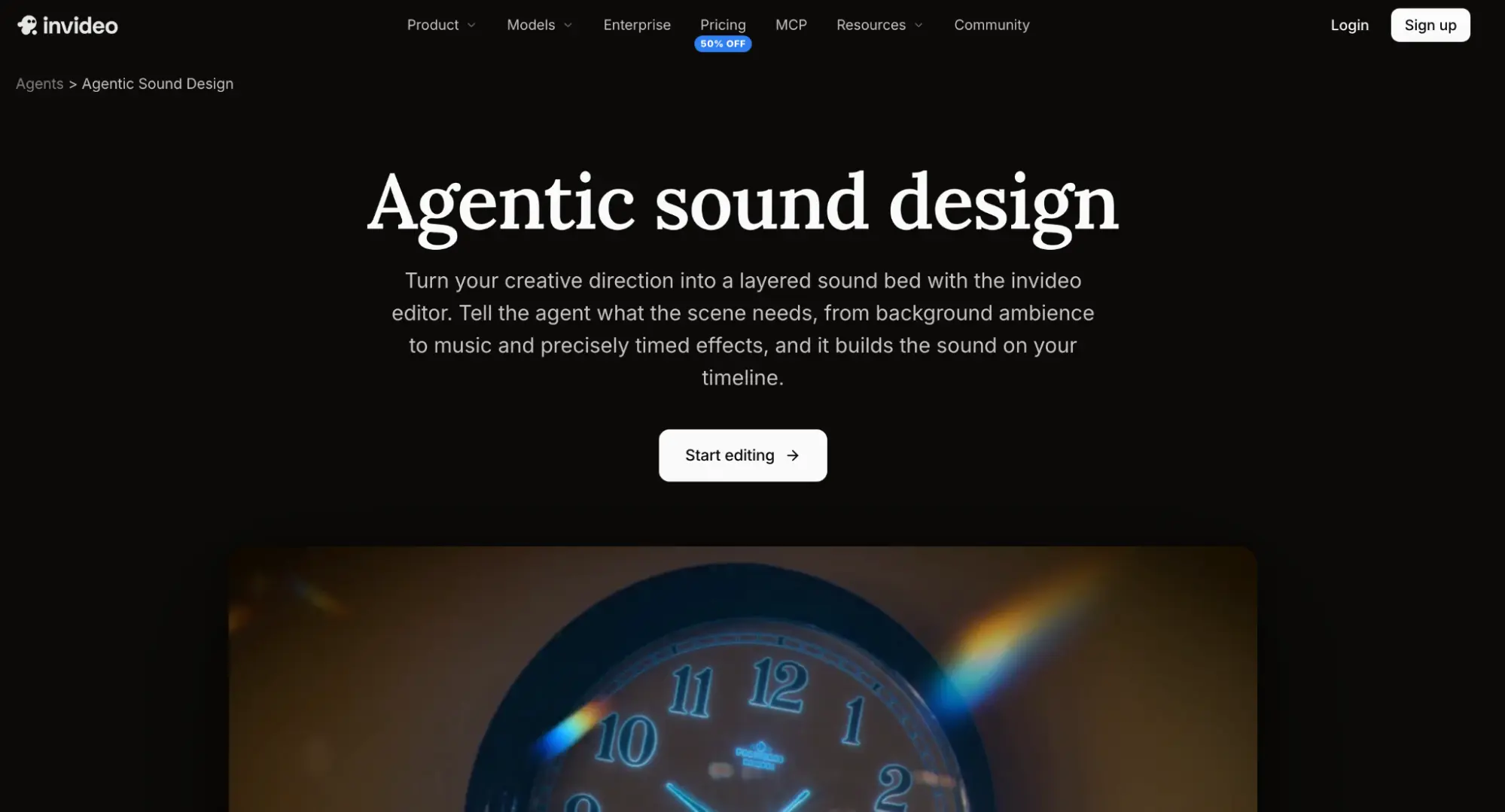
invideo Editor takes a different approach to sound design by combining AI agents with a professional video editing timeline. Instead of generating audio separately and arranging everything manually afterward, creators can describe how a scene should sound and let an AI agent carry out the requested sound-design work directly within the project.
Through its agentic sound design capabilities, creators can generate original music and sound effects using more than 33 AI audio and music models available inside the editor. The agent can also search the built-in sound library for suitable music, ambience, and effects, allowing users to combine generated audio with existing recordings and stock sounds.
One particularly useful capability is the ability to direct how sounds interact with the footage. For example, an editor working on a cinematic sequence can request quiet environmental ambience, footsteps that match a character’s movement, and music that gradually builds toward an important reveal. The agent can arrange these elements on the timeline and adjust their timing according to the instructions.
Audio balancing is another part of the process. Creators can ask the agent to bring dialogue forward, lower background music beneath speech, or reduce effects that overpower other sounds. They can then review the result and request further changes or manually refine individual audio layers.
The editor also provides controls for timing, levels, fades, panning, and audio effects. This makes it useful for creators who want AI to handle the initial sound-design work without losing control over the final mix.
Key features:
- AI-generated music and custom sound effects
- Built-in library for music, ambience, and effects
- Reference-based sound creation
- Automatic audio layering and timing
- Dialogue, music, and effects balancing
- Manual timeline controls for audio refinement
Best for: Filmmakers, video editors, and creative teams who want AI agents to build and refine complete soundscapes directly within an editable video project.
2. Adobe Firefly: Best for Generating Custom Sound Effects
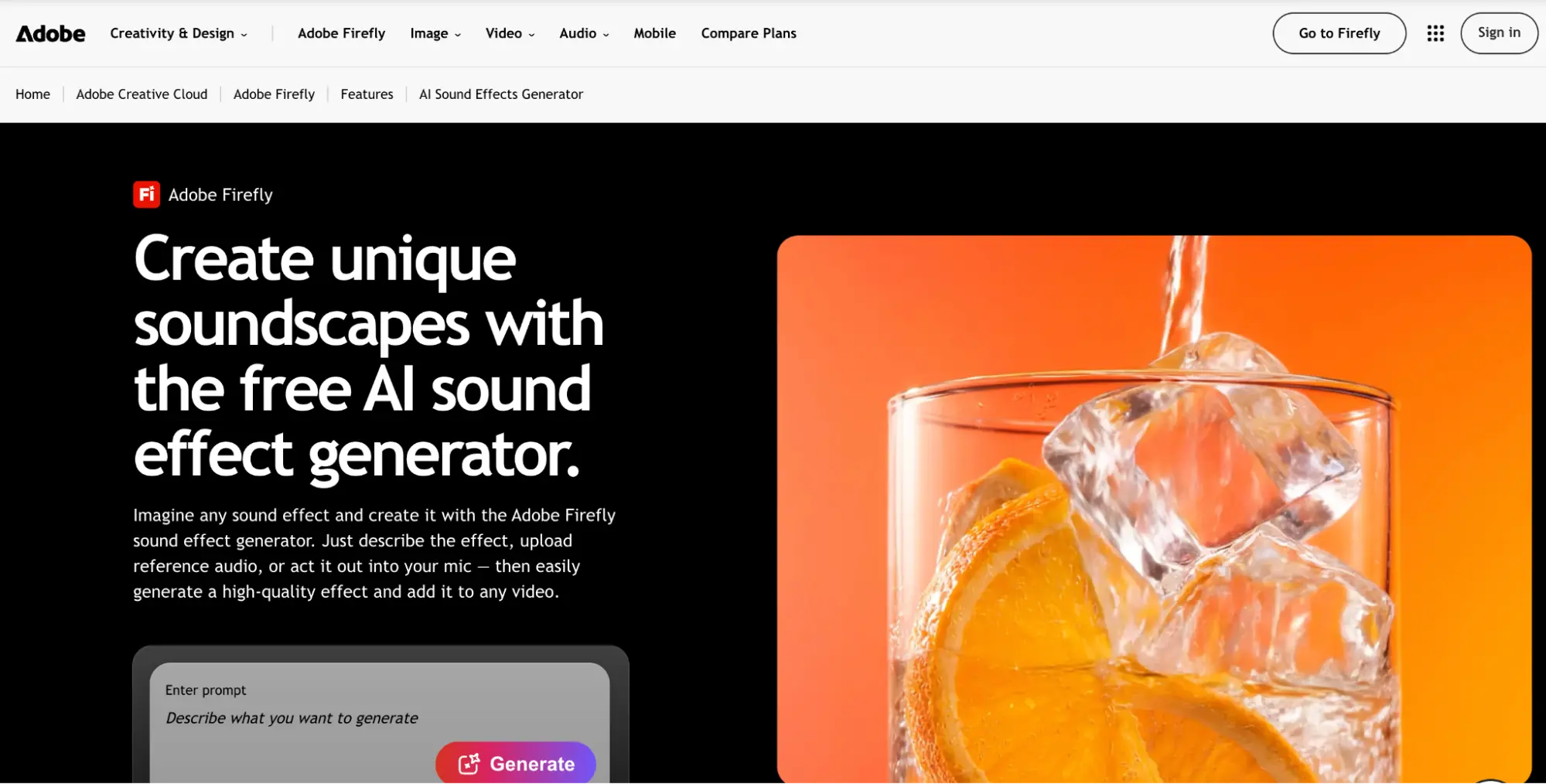
Adobe Firefly provides generative audio capabilities that help creators produce sound effects using text descriptions, reference audio, and voice recordings. It is useful when a scene requires a specific sound that may be difficult to find in a conventional audio library.
Creators can describe the effect they need, such as rain hitting a window, footsteps across gravel, a distant explosion, or a mechanical movement. Firefly generates audio variations that users can preview and add to a video timeline. Its voice-guided generation also allows creators to act out a sound to help guide its timing and intensity.
Firefly supports layering multiple effects to create richer soundscapes and allows users to adjust the position and volume of generated audio. Its integration with Adobe’s creative environment makes it relevant for editors who already work with Premiere Pro and other Adobe applications.
Key features:
- Text-to-sound-effect generation
- Voice-guided audio generation
- Reference audio support
- Multiple sound-effect variations
- Timeline-based audio placement
- Audio layering and volume adjustments
Best for: Video editors and filmmakers who need custom sound effects and environmental audio for individual scenes.
3. ElevenLabs: Best for Detailed AI Sound Effects
ElevenLabs is known for its AI voice technology, but its sound-effects generation capabilities also make it useful for video production. Creators can describe the sound they want in natural language and generate audio variations without recording the effect themselves.
The platform supports a range of sounds, from everyday Foley effects such as footsteps and breaking glass to more elaborate cinematic audio. Its SFX v3 model supports more complex prompts involving multiple sounds and sequences, making it useful when a scene requires several connected audio elements.
For example, a filmmaker creating an action sequence might need the sound of an approaching vehicle, an impact, and debris falling. ElevenLabs can help generate these individual effects or explore a more detailed sound direction. Creators can then bring the resulting audio into their editing software and arrange the elements according to the scene.
Key features:
- Text-based sound-effect generation
- Support for detailed audio descriptions
- Multiple generated variations
- Control over sound duration
- Complex sound-effect prompts
- Audio suitable for films, games, and videos
Best for: Sound designers and video creators who need custom Foley, cinematic effects, and detailed audio elements.
4. Stable Audio: Best for Experimental Soundscapes and Music
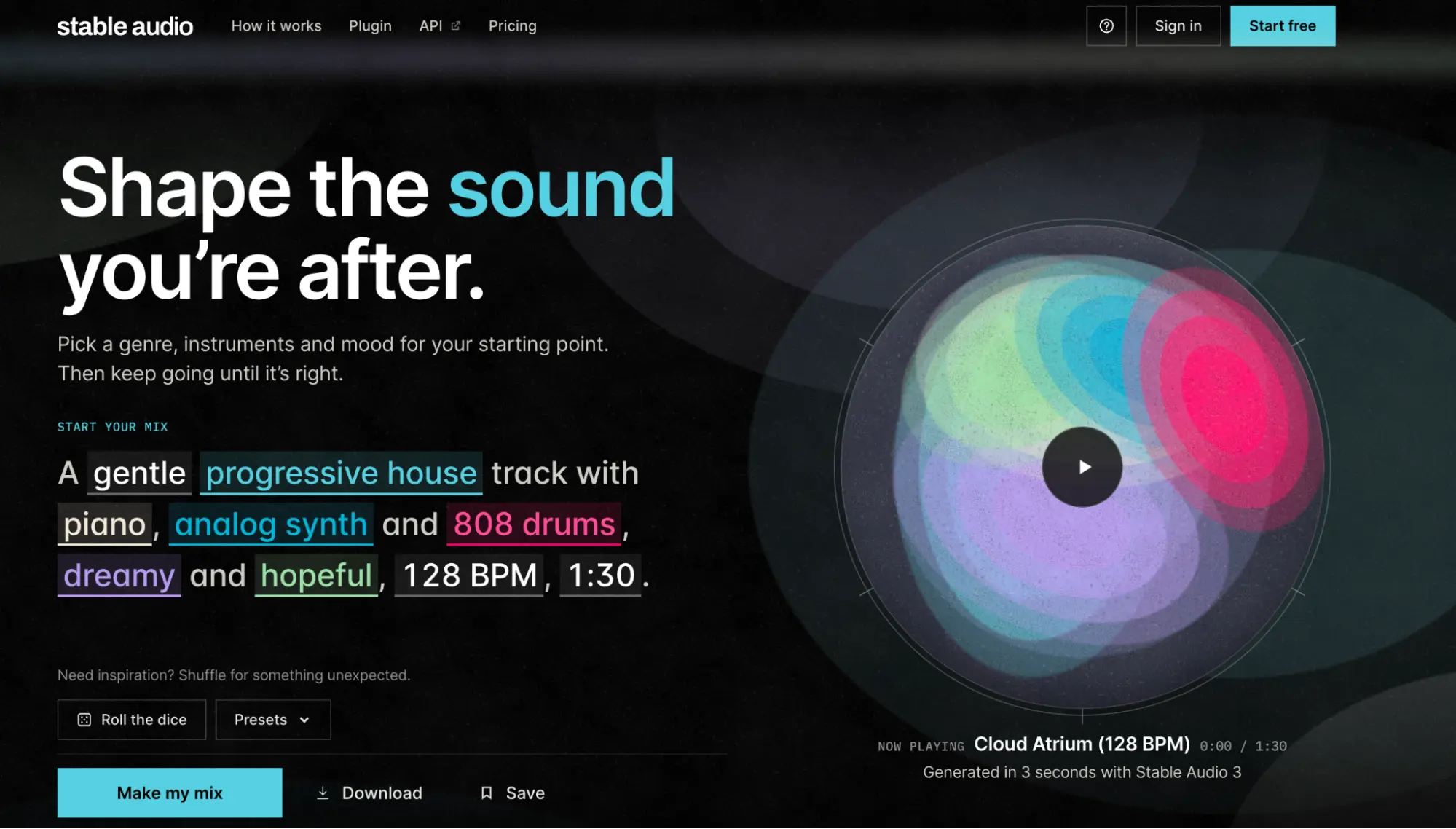
Stable Audio is an AI audio-generation platform designed for creating music and sound. It allows creators to explore different audio ideas through text prompts and existing audio references.
For cinematic projects, it can help produce atmospheric compositions, ambient textures, musical cues, and sound elements that establish the mood of a scene. Creators can describe the desired style or atmosphere and generate audio that can be further developed through variations and editing.
One useful aspect is its audio-to-audio and inpainting capabilities, which allow users to work from existing material and modify selected sections instead of generating an entirely new track each time. Stable Audio also supports different composition lengths, from short loops to longer tracks, making it useful for different video requirements.
Key features:
- Text-based music and sound generation
- Audio-to-audio generation
- Audio inpainting and iteration
- Short loops and longer compositions
- Experimental stem generation
- Integration with supported digital audio workstations
Best for: Musicians, filmmakers, and sound designers experimenting with cinematic music, ambient textures, and original audio compositions.
5. Suno: Best for Creating Cinematic Instrumental Music
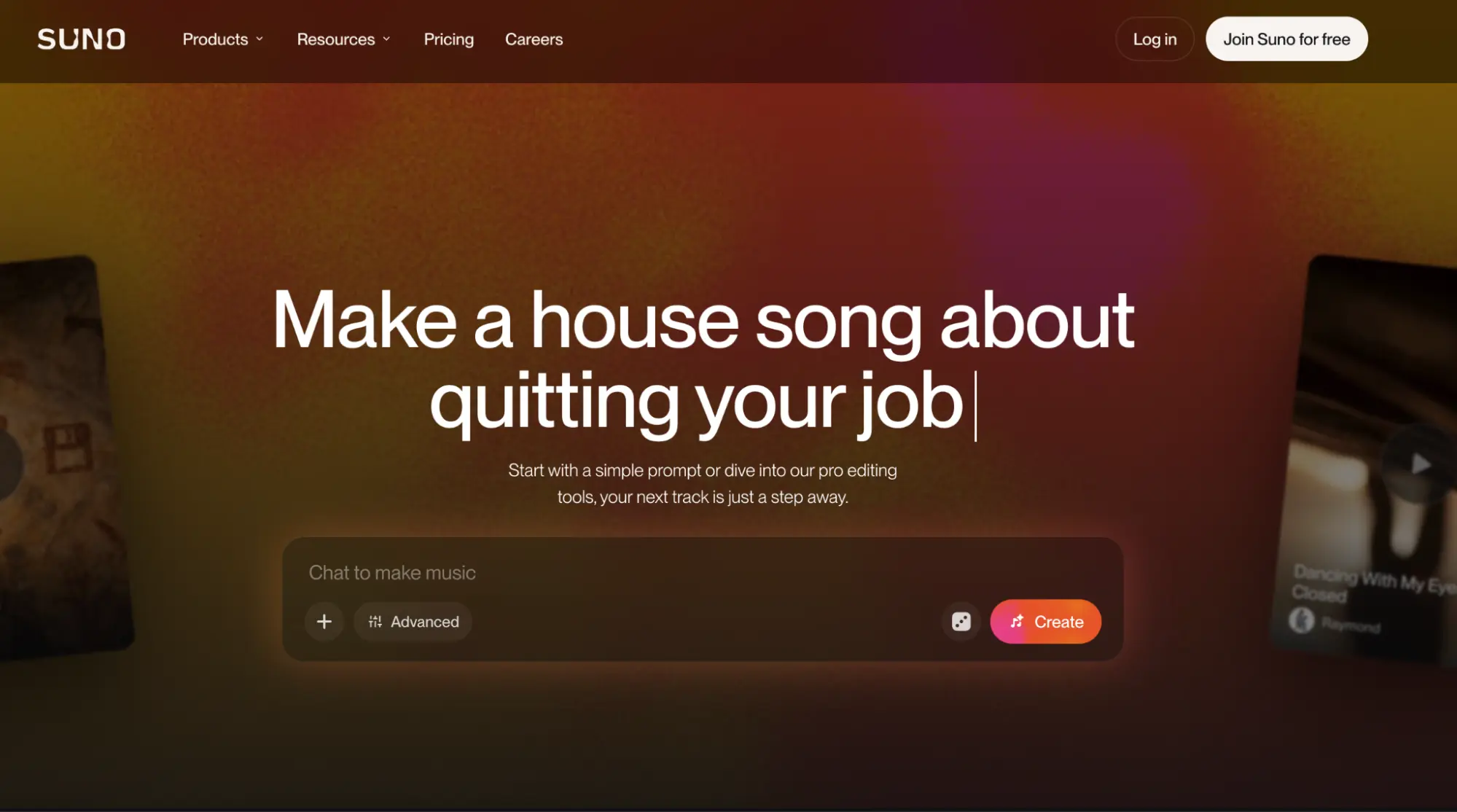
Suno is an AI music-generation platform that allows users to create original music from written descriptions. Creators can describe the mood, genre, instruments, tempo, and energy they want, then generate a composition based on those directions.
For video production, its instrumental generation feature is particularly useful. Editors can create background tracks without vocals, making them suitable for documentaries, promotional videos, trailers, presentations, and cinematic sequences where dialogue needs to remain clear.
For example, a filmmaker creating an emotional scene might request a slow instrumental featuring piano and strings that gradually builds toward an uplifting ending. The generated track can then be reviewed and used as a starting point for the video’s soundtrack.
Suno also allows creators to revise their descriptions and generate new versions when the first result does not match the intended mood. However, it focuses primarily on music creation rather than automatically arranging a complete soundscape around an existing video.
Key features:
- AI-generated instrumental music
- Text-based music descriptions
- Control over mood, tempo, and instrumentation
- Vocal and instrumental generation options
- Track variations through revised prompts
- Music creation for videos and podcasts
Best for: Content creators, filmmakers, and musicians who need original background music and cinematic instrumental tracks.
6. Artlist AI Tools: Best for Music and Sound Effects for Video Projects
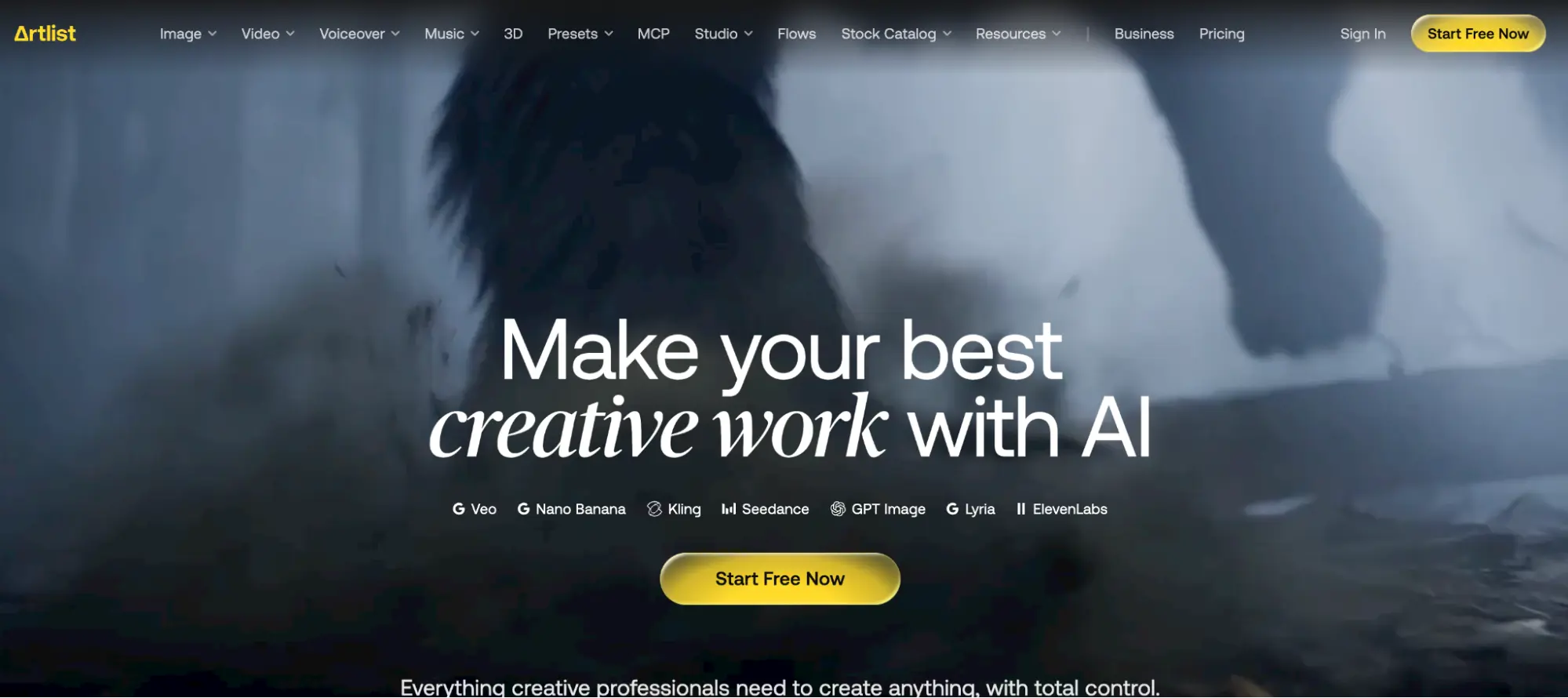
Artlist provides a collection of creative resources and AI-powered tools for video production. Its audio offerings include music generation, text-to-sound effects, and a professionally recorded sound-effects library.
Its Text to Sound feature allows creators to describe a specific sound and generate an audio clip from that description. This is useful when a scene needs an unusual effect that is difficult to locate in a standard library. The platform also provides Music Match, which analyzes video footage and helps find or create music that fits the mood and pace of the clip.
For cinematic projects, creators can combine generated sound effects with recorded Foley, ambient audio, and music from the available library. This provides flexibility when building soundscapes for advertisements, films, social media videos, and other creative projects.
Artlist’s AI music generation also supports different genres, moods, tempos, and instrumental choices, allowing creators to develop a soundtrack based on the intended visual style.
Key features:
- Text-to-sound-effect generation
- AI music generation
- Music matching based on video footage
- Recorded music and sound-effects library
- Ambient audio and Foley resources
- Audio tools for video production
Best for: Filmmakers, video editors, and marketing teams looking for a combination of AI-generated audio and professionally recorded sound resources.
How to Choose the Right AI Tool for Cinematic Sound Design
The right tool depends on the kind of audio work your project requires. If you need to build an entire soundscape around existing footage, choose a platform that can work with the video and arrange multiple audio elements on a timeline. If you only need a specific sound effect, a dedicated generator may be more convenient.
Music-focused tools are better suited to creating background scores, instrumental tracks, and atmospheric compositions. Sound-effect generators are useful when you need Foley, impacts, environmental sounds, or unusual audio that is not available in a standard library.
You should also consider how much control you need after generation. Some tools primarily provide audio files that must be imported into another editor, while others allow you to generate, arrange, and refine sounds within the same project.
Before using generated audio in commercial work, check the licensing terms of the relevant platform and subscription plan. Usage rights, export options, and credit requirements can vary.
Final Thoughts
Cinematic sound design is about creating an audio experience that supports the visuals and strengthens the story. Music, ambience, dialogue, and sound effects all contribute to how audiences interpret a scene.
AI tools are making this process more accessible by helping creators generate original audio, experiment with different sound treatments, and reduce the time spent searching for and arranging individual sounds.
Each platform serves a different purpose. Suno and Stable Audio are useful for music creation, ElevenLabs and Adobe Firefly focus on custom sound effects, and Artlist combines generated audio with a broader collection of creative resources. For creators who want to build and refine sound directly around their footage, invideo Editor brings these tasks into an AI-assisted timeline editing environment.
The best choice depends on the project, the type of sound required, and how much creative control you want over the finished mix.
Frequently Asked Questions
1. What are the best AI tools for creating cinematic soundscapes?
Some useful options include invideo Editor, Adobe Firefly, ElevenLabs, Stable Audio, Suno, and Artlist. They offer different capabilities, ranging from complete timeline-based sound design to individual music and sound-effect generation.
2. Can AI generate cinematic background music for videos?
Yes. Tools such as Suno, Stable Audio, and Artlist AI Music can generate original music based on descriptions of mood, genre, instrumentation, and tempo. Creators can use these tracks as background scores for films, trailers, advertisements, and social media videos.
3. How can AI create realistic sound effects for videos?
AI sound-effect generators use written descriptions, reference audio, or voice recordings to create sounds. Creators can describe effects such as footsteps, wind, machinery, impacts, or environmental ambience and generate audio variations to use in their projects.
4. What is agentic sound design?
Agentic sound design involves giving an AI agent creative instructions and allowing it to carry out sound-design tasks within a video editing project. It can generate or source audio, arrange sound layers, synchronize effects with visual actions, and refine the result based on feedback.
5. Can AI automatically match sound effects to video scenes?
Some AI-assisted editing environments can analyze footage and arrange sound effects around visible actions, transitions, and important moments. The results should still be reviewed to ensure that timing, intensity, and context are appropriate.
6. Can I use AI-generated sound effects in commercial videos?
Commercial usage depends on the platform, model, and subscription or licensing terms. Always review the relevant provider’s usage policy before including generated audio in advertisements, client projects, or monetized content.
7. Can I combine AI-generated music with existing sound effects?
Yes. Many audio tools allow creators to combine generated music with uploaded recordings, stock effects, and other audio elements. A multitrack editing environment makes it easier to adjust their timing and volume independently.