

Posting at the wrong time is one of the easiest mistakes to make on Instagram. You share a great Reel, and it sits there with five likes because your followers were asleep.
The fix is simple. Instagram shows you when your audience is online, and it costs nothing. In this guide, you’ll learn how to see when followers are most active on Instagram, on mobile and desktop, and how to turn that data into a posting schedule.
You need a Professional account (Creator or Business) and, for most audience data, at least 100 followers. We’ll cover the exact requirements, the common reasons the data goes missing, and how to avoid the mistakes I see most often.
How to See When Your Followers Are Most Active on Instagram
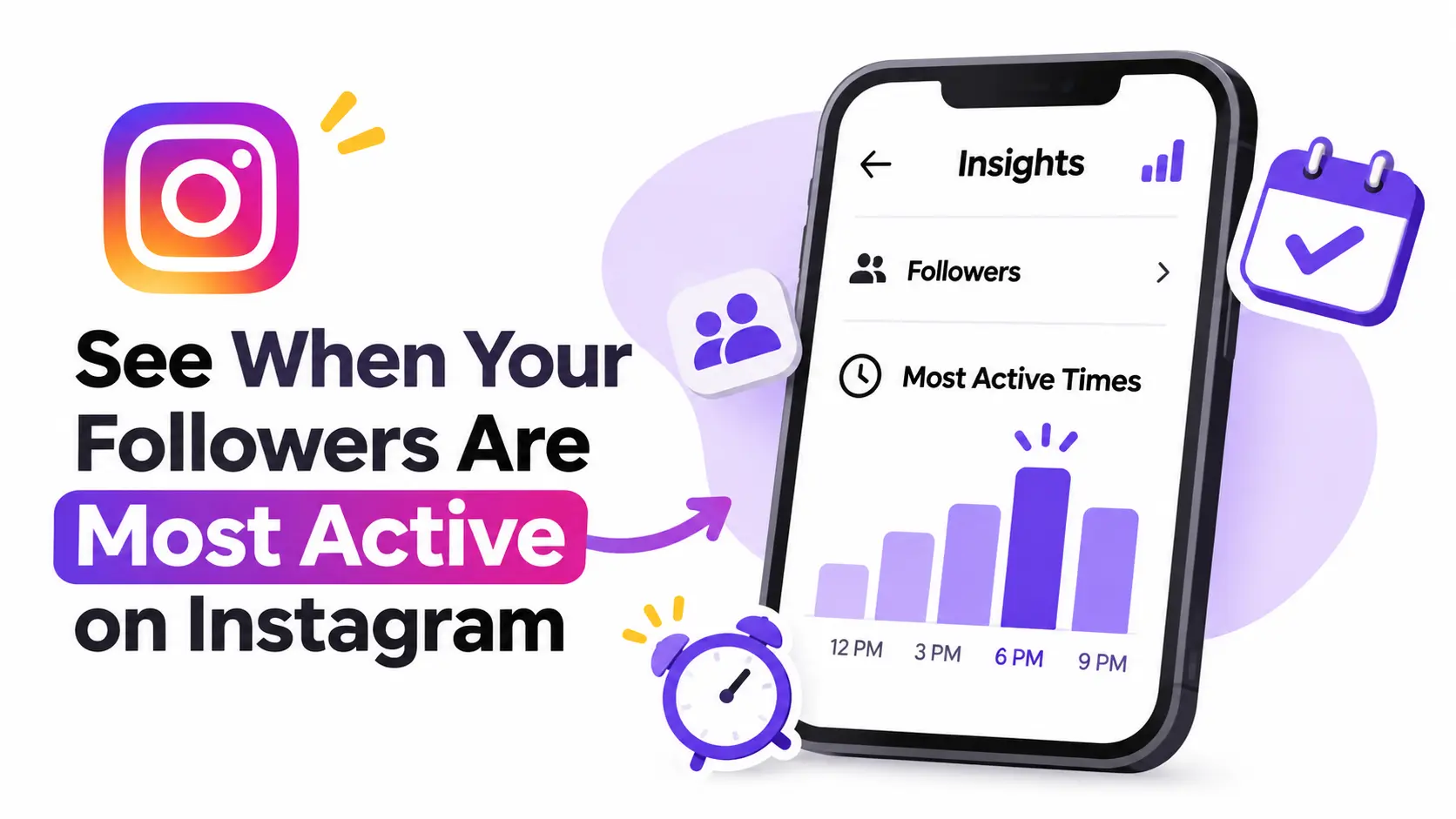
Open your profile, tap the Professional Dashboard, then Insights. Open Total Followers and scroll to Most Active Times. Switch between the Hours and Days views to see when your followers are online.
That’s the short version. Here are the full steps.
Step 1: Open Your Instagram Profile
Open the Instagram app and tap your profile picture in the bottom-right corner. If your account is Professional, you’ll see a box near the top of your profile called Professional Dashboard (some accounts see Your Dashboard).
Don’t see it? Your account is probably Personal. Jump to the requirements section below to switch.
Screenshot suggestion: your profile with the dashboard box circled.
Step 2: Open Instagram Insights
Tap the dashboard, then choose Insights or See all insights. This is the home screen for your analytics. You’ll see reach, interactions, and follower numbers for a selected period.
If the dashboard isn’t on your profile, try this route: tap the menu icon (three lines) in the top-right corner, then look for Insights or Professional dashboard. Menu names move around, so scan for the word “Insights.”
Step 3: Find Your Total Followers Data
On the Insights screen, tap Total followers (you may see Followers or Audience instead). This page shows your follower growth, top locations, age range, and gender.
The activity information sits further down this same page. Scroll slowly, because it’s easy to miss.
Step 4: Find the Most Active Times Section
Keep scrolling until you reach the most active times. You’ll see a chart with two views:
- Hours: the average number of followers online in each hour of the day.
- Days: which days of the week your followers are most active.
Tap each tab to switch between them. Taller or darker bars mean more followers are online.
Step 5: Identify Your Peak Posting Hours
Now turn the chart into decisions:
- Check the Hours view and note the three tallest bars.
- Switch to Days and note your strongest two or three days.
- Combine them. If Wednesday and Thursday are strong, and 7 PM to 9 PM is the highest hour, those are your first test slots.
- Write the results in your content calendar, along with the date you checked.
Snap a screenshot each time. Over a few months, you’ll see whether your audience’s habits are stable or shifting.
How to See When Instagram Followers Are Active on Desktop
Here’s a catch most guides skip: Instagram’s website has limited analytics. The full audience view usually lives in Meta Business Suite, which runs in your browser. Both routes are below.
Step 1: Open Instagram on Your Browser
Go to instagram.com and log in. Check that you’re on the Professional account you want to analyze.
Step 2: Navigate to Your Dashboard
Click your profile and look for a Professional dashboard option in the left menu or on your profile. If you see it, open it. If you don’t, move on to the Business Suite route in Step 3.
Step 3: Open Account Insights
Go to Meta Business Suite, select your Instagram account, and click Insights. Your Instagram account must be linked to a Facebook Page or the Meta account setup for this to work.
Step 4: Find Your Follower Activity Data
Open the Audience section. Look for the activity chart, which often appears as a grid or heatmap of days and hours. Darker blocks mean more followers are active.
Step 5: Review Your Audience Activity
Read it the same way as on mobile: find the darkest blocks, note the days and hours, and record them.
Mobile vs. desktop: the phone app is quicker for a daily check. Desktop is easier for comparing days side by side and is better for scheduling. Chart layouts can differ between the two, so don’t worry if one looks like bars and the other like a grid.
What Do You Need to See Your Followers’ Most Active Times?
Three things matter: account type, follower count, and privacy settings.
Do You Need a Business or Creator Account?
Yes. Personal accounts don’t get audience insights. Both Professional types do, and both are free to switch to.
- Personal: no Insights dashboard.
- Creator: built for influencers and public figures, with the dashboard and Insights.
- Business: built for brands, with the dashboard, Insights, and extra tools such as contact buttons.
For activity data, the two Professional types work the same way. To switch, go to Settings, find Account type and tools, and choose Switch to professional account.
Do You Need at Least 100 Instagram Followers?
For most audience data, yes. Instagram sets a 100-follower threshold for demographics and follower trends, and in practice the activity charts are tied to it. Instagram doesn’t always spell out which metric needs what, so treat 100 as the working minimum.
Even above 100, very small audiences produce noisy charts. A few hundred followers gives you a more reliable pattern.
Does Your Instagram Account Need to Be Public?
In most cases, yes. Instagram’s own help pages and most guides say Professional accounts are public. If you switch back to private, expect Insights to stop working or become limited. Check Instagram’s Help Center for the current rule on your account.
How to Understand Instagram’s Most Active Times Chart
The chart is simple once you know what each view tells you.
Understanding the Hours View
This view shows an average for a typical day. Look for the tallest bars and for clusters, not single spikes. A group of three or four busy hours is a stronger signal than one lonely tall bar.
Understanding the Days View
This view shows which weekdays draw the most activity. Compare weekdays with weekends. Many accounts see a gap between work-week and weekend habits, but your audience may be the opposite.
How to Identify Your Audience’s Peak Activity Window
Here’s a real-world style example. Say you run a small fitness studio. Your Hours view shows peaks at 6 AM, 12 PM, and 8 PM. Your Day’s view shows Monday, Tuesday, and Thursday are the strongest.
Your first plan could be to post on Monday at 7 PM and Thursday at 7 AM. Why post slightly before the peak? Posts need a little time to gain traction, so publishing 30 to 60 minutes early often works well. Treat that as a test, not a rule.
What Time Zone Should You Follow?
The chart is generally shown in your account’s time zone, so check your settings if the times look off. Then check where your followers live in the Top locations data.
If most followers are in one country, use that region’s time. If your audience is spread across continents, pick one primary region or alternate posting windows. A time zone mismatch is a common reason a “perfect” schedule underperforms.
Why Can’t I See When My Instagram Followers Are Most Active?
If the section is missing, one of the causes below is almost always responsible.
Your Account Has Fewer Than 100 Followers
This is the top cause. Grow past 100 followers and check again after a few days.
Your Account Is Private
Private accounts often can’t access full Insights. Switch to public and wait for data to build.
You Recently Switched to a Public Account
Insights only start collecting data once the account is eligible. Historical data from your private period typically won’t appear, so give it several days.
You’re Looking in the Wrong Insights Section
People often check the Content you shared or Accounts reached screens. Activity times live under Total followers or Audience.
Instagram Has Changed Its Dashboard Interface
Instagram regularly renames and moves menus. Look for “Audience,” “Followers,” or “Most active times,” and update the app if you’re running an old version.
Your Audience Data Is Not Available Yet
Sometimes the data just hasn’t been loaded. Close the app, reopen it, and check again later. If it stays blank for more than a week while you meet the requirements, contact Instagram support.
| Problem | What to check |
| No Most Active Times section | Check follower eligibility (100+) |
| Insights unavailable | Check account privacy and dashboard access |
| Missing historical data | Check when the account became public |
| Incorrect navigation | Look for the latest dashboard labels |
| No useful activity pattern | Review available data over a longer period |
Stuck on something odd? Communities such as Instagram Marketing often discuss menu changes within days of a rollout. Treat advice there as anecdotal and confirm against Instagram’s Help Center.
How to Find the Best Time to Post Using Instagram Insights
Finding the data is step one. Using it well is where results come from.
Identify Your Top Three Active Time Slots
Pick the three strongest hour clusters from the Hours view. These become your starting slots.
Compare Activity Across Different Days
Use the Days view to decide which days get those slots. Not every day needs a post.
Consider Your Followers’ Locations and Time Zones
Match your slots to where your audience actually lives, not where you live.
Test Different Posting Times
Post in each slot for two to three weeks. Keep the content type similar so timing is the only variable you change.
Track Engagement After Publishing
Check reach, likes, comments, saves, and shares 24 to 48 hours after each post. Log them next to the posting time. You should also monitor Instagram share metrics to understand how often your content is shared and which posts encourage audiences to spread your content.
Update Your Posting Schedule Regularly
Audience habits change with seasons, school terms, and holidays. Recheck every month or two.
Sample weekly schedule (an example, not a rule):
| Day | Slot | Format |
| Monday | 7:00 PM | Reel |
| Wednesday | 12:00 PM | Carousel |
| Thursday | 7:00 PM | Single image |
| Saturday | 10:00 AM | Stories |
Your real schedule should come from your own audience data, since these times are only placeholders.
How to See Instagram Followers’ Active Times Using Meta Business Suite
What Is Meta Business Suite?
Meta Business Suite is a free tool from Meta for managing Facebook and Instagram in one place. You can schedule posts, read messages, and view insights.
How to Find Audience Insights
Log in, select your Instagram account, open Insights, then Audience. Look for the activity chart.
How to Use Active Times When Scheduling Posts
When you schedule a post in Business Suite, it may suggest times. Those suggestions and the Audience chart can use different reporting periods, so they won’t always match. Use both as inputs, then confirm with your own results.
Instagram Insights vs. Meta Business Suite
| Feature | Instagram Insights | Meta Business Suite |
| Follower activity | Audience activity information | Audience activity information |
| Content analytics | Yes | Yes |
| Post scheduling | Limited/native scheduling options | Yes |
| Cross-platform management | Instagram-focused | Instagram and Facebook |
| Best use | Reviewing Instagram audience data | Managing and scheduling content |
Can Third-Party Tools Show When Your Instagram Followers Are Most Active?
Yes, in a broad sense. These tools connect to your Instagram account and analyze your own audience and post performance. They don’t reveal private online status for individual followers. No legitimate tool can do that.
Plans and features change often, so check each tool’s site for current pricing and free options before you commit.
Buffer
Buffer combines scheduling with analytics and can suggest posting times based on your account’s performance. It’s simple and popular with small teams.
Hootsuite
Hootsuite offers scheduling, analytics, and team workflows across many networks. It suits agencies and larger teams.
Later
Later focuses on visual planning. Its calendar lets you drag and drop posts and preview your grid.
Sprout Social
Sprout Social is known for audience analytics and polished reporting, which makes it a fit for brands that report to stakeholders.
Socialinsider
Socialinsider specializes in performance analysis and competitor benchmarking, so it helps when you want to see how you compare.
| Tool | Audience analytics | Scheduling | Reporting | Platform support | Pricing / free plan |
| Buffer | Yes | Yes | Yes | Multi-platform | Check site |
| Hootsuite | Yes | Yes | Yes | Multi-platform | Check site |
| Later | Yes | Yes | Yes | Multi-platform | Check site |
| Sprout Social | Yes | Yes | Advanced | Multi-platform | Check site |
| Socialinsider | Yes | Limited focus | Yes | Multi-platform | Check site |
Note: none of these can show when an individual person is online.
Does Posting When Your Followers Are Most Active Increase Engagement?
It can help, but it’s not a guarantee.
The Difference Between Follower Activity and Post Engagement
Activity means followers opened the app. Engagement means they liked, commented, saved, or shared. The first is a chance. The second is a reaction.
Why Peak Activity Does Not Guarantee More Likes or Comments
Peak hours are also crowded. Your followers see more posts at once, so yours has to compete harder.
How Content Quality Affects Engagement
A strong hook, clear value, and a good caption beat a perfect timestamp. Great content posted at a decent time usually beats weak content posted at the “best” time.
Why Consistency Matters Alongside Posting Time
Followers learn when to expect you. A steady rhythm builds habit, and habit builds engagement. Along with maintaining a consistent schedule, learning how to grow your Instagram audience can help you increase visibility and attract more followers.
How to Measure Whether Your New Schedule Works
Compare two or three weeks of results before and after you change your schedule. Look at reach, saves, shares, and comments per post, not just likes. If your goal is to drive website traffic, understanding Instagram link click analytics can also help you measure how effectively your Instagram content generates website visits.
Best Times to Post Reels, Stories, Carousels, and Feed Posts
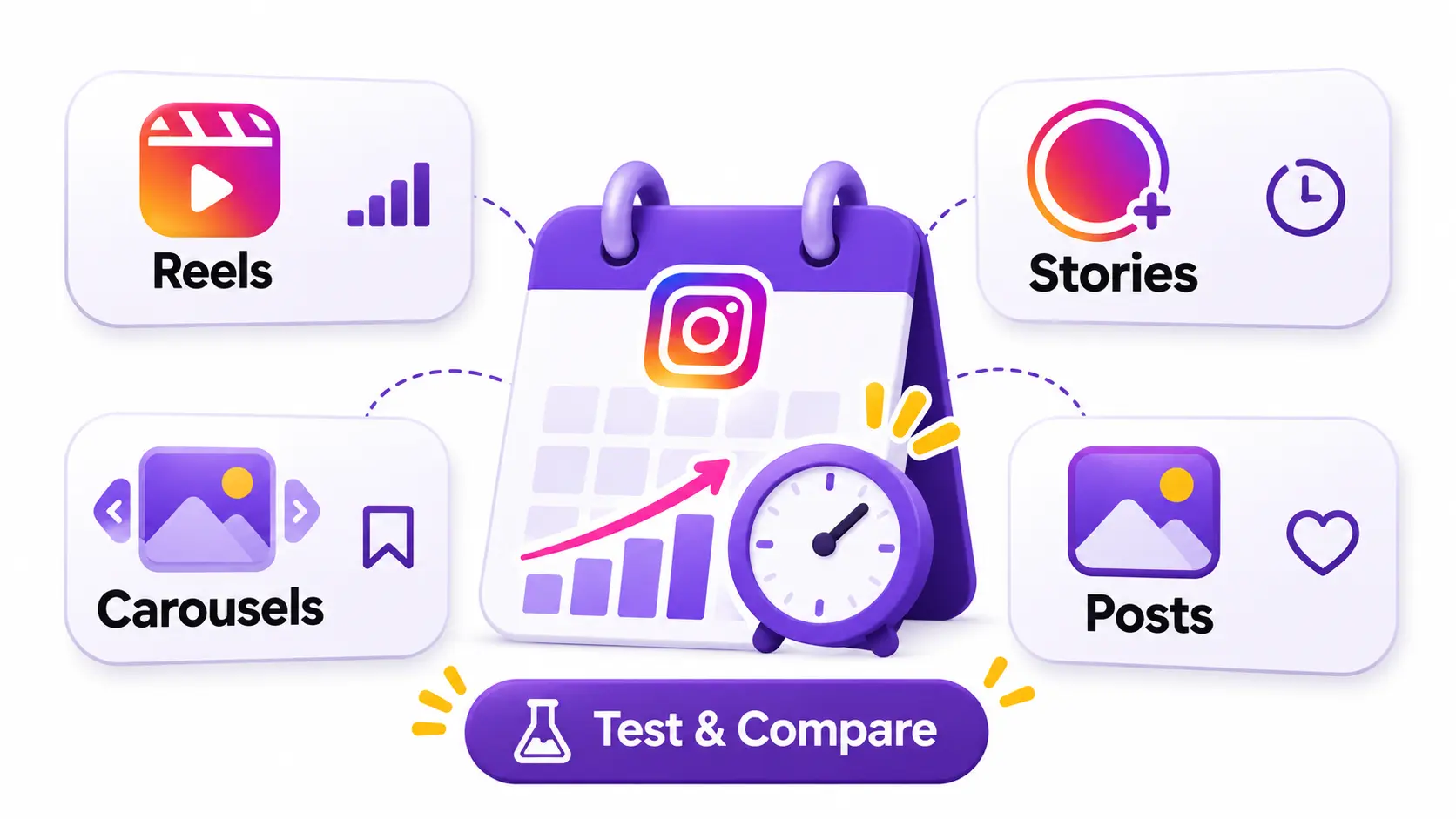
Be careful with “best time to post” lists. They’re averages across many accounts and may not fit yours. Use them only as a starting guess, then test.
Best Time to Post Instagram Reels
Reels are pushed to people beyond your followers, so timing matters a bit less. Try your peak window, then compare it with an off-peak slot.
Best Time to Publish Instagram Stories
Stories disappear in 24 hours and are viewed by people already in the app. Post them when your followers are active, and spread them across the day.
Best Time to Post Carousels
Carousels reward attention and saves. Evenings and weekends can work for educational content, but test it.
Best Time to Publish Single-Image Posts
Single images are quick to consume. Try your daily peak hour first.
How to Test Different Content Formats
Each format has its own viewing pattern, so judge each one separately. Keep a simple sheet with format, day, time, reach, and saves. After a month, you’ll see clear winners.
Frequently Asked Questions
1. How do I see when my followers are most active on Instagram?
Go to your profile, open the Professional Dashboard, tap Insights, then Total Followers. Scroll to Most Active Times and use the Hours and Days tabs.
2. Can I see when my Instagram followers are online?
You can see aggregate activity for your whole audience. You can’t see when a specific follower is online.
3. Do I need 100 followers to see active times?
In most cases, yes. Instagram uses a 100-follower threshold for audience data, so below that the section is often missing.
4. Can I check Instagram follower activity without a Professional account?
No. Switch to a free Creator or Business account to unlock Insights.
5. Can I see when someone else’s followers are most active?
No. Only the account owner sees their own audience activity. Third-party tools can estimate performance patterns using public data, but not private follower activity.
6. Why are my Instagram Insights not showing activity times?
The usual causes are fewer than 100 followers, a private account, a recent switch to public, or looking in the wrong section. See the troubleshooting table above.
7. Can I see follower activity on Instagram desktop?
Yes, usually through Meta Business Suite in your browser. Instagram’s website itself offers limited analytics.
8. How often should I check my followers’ active times?
Every month or two works for most accounts. Check sooner after a big follower jump or a seasonal change.
9. Is Instagram Insights free to use?
Yes. It’s included with any Professional account at no cost.
10. Does posting during peak hours guarantee more engagement?
No. Peak timing improves your chances of being seen, but content quality and consistency decide whether people respond.
Conclusion
Learning to see when followers are most active on Instagram takes about two minutes. Open Insights, check Total Followers, and read the Most Active Times chart.
The real value comes from what you do next. Pick your top slots, test them for a few weeks, and track results. Then revisit the data regularly, because your audience will change.
If you want a reference for how Instagram’s features developed, the Instagram Wikipedia page gives useful background. For menu changes, rely on Instagram’s Help Center, and for practitioner discussion, browse the Reddit community linked above. Start with your own data today and build from there.